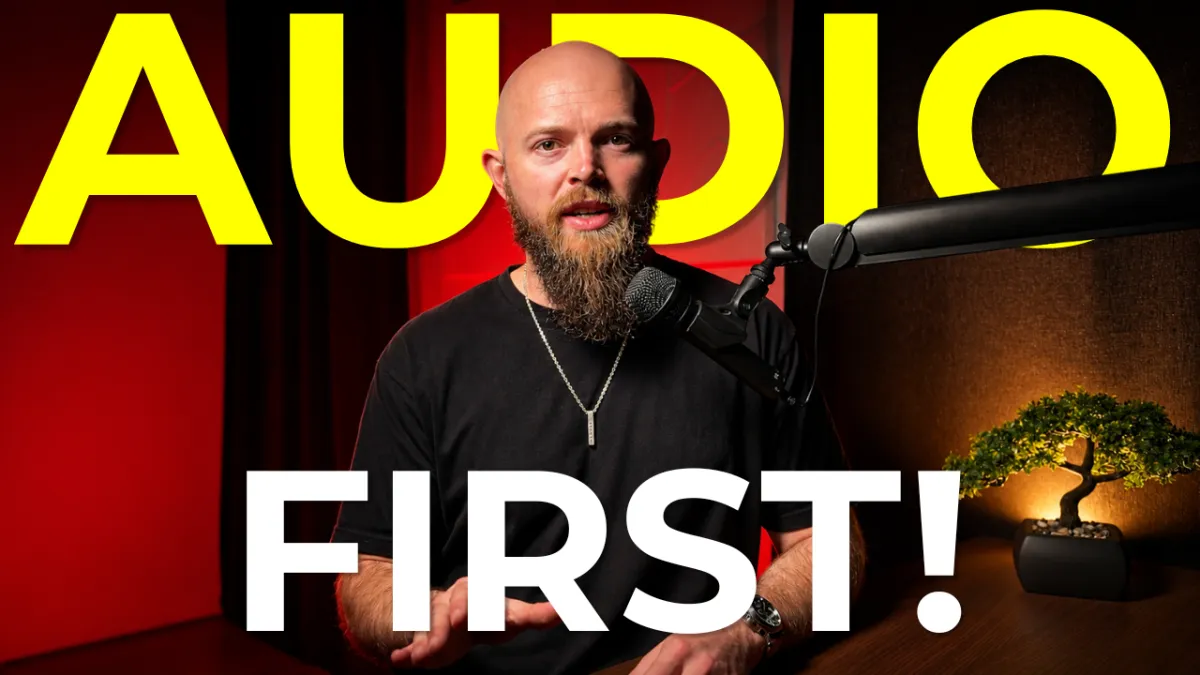
The Best First Upgrade For Your Content
The Best First Upgrade For Your content
I see it all the time. An expert decides they are finally going to start creating content, and the first thing they look for is a fancy camera.
They set it all up, hit record, and post the video. And you know what happens?
People click away in five seconds.
Why? Because while the video MAY have looked good, the audio sounded like they were recording inside a tin can.
The truth is, audio quality is significantly more important than video quality.
If your video is slightly out of focus or the lighting isn't perfect, most people will forgive you. The smartphone in your pocket already shoots in 4K… it is more than good enough! But if your audio cuts in and out, or if the room is echoing so badly that the viewer has to strain to hear you, they will leave immediately.
Think about the last time you listened to a podcast where the host had a professional microphone, but the guest was using their laptop’s built-in mic. It is jarring and exhausting to listen to.
If you want to take content seriously and upgrade your setup, do not buy a camera - yet. Upgrade your audio!
Now if you want to go straight to the pro microphone that top podcasters use, take a look at the Shure SM7B but know that you’ll need some additional equipment. As a marketing nerd who prioritizes systems and efficiency, I don't want to mess around with additional equipment audio interfaces - at least not yet. I prioritize ease. So here are the two budget-friendly, plug-and-play microphone setups I recommend:
1. For the Desk Setup: Audio-Technica AT2005USB
If you record at your desk, you want a dynamic microphone, not a condenser microphone. Condensers are too sensitive and they will pick up the lawnmower outside or your dog barking in the other room.
A dynamic mic isolates the sound directly in front of it.
I recommend the Audio-Technica AT2005USB. It plugs straight into your computer.
Pro Tip: Do not use a desk stand. Buy a boom arm. It keeps your desk clear and prevents the mic from picking up the thumping sounds of you accidentally hitting the desk.
2. For the On-The-Go Setup: Hollyland Lark M2
If I could only choose one piece of audio equipment, it would be this one.
The Hollyland Lark M2 is a tiny wireless microphone system. The mics are the size of a coin and attach to your shirt with a strong magnet, and the receiver plugs directly into your phone.
I’ve used the Rode Wireless Go and lavalier setups in the past, but the Hollyland wins purely on convenience. It gives you the ultimate freedom to record high-quality audio while walking outside, grabbing a coffee, or in my case of hanging out at the RC track.
The Bottom Line
Your iPhone’s video quality is more than good enough for your content. But if you haven't upgraded your audio yet, that is the very next step you need to take.
And if you’d like to explore working together, schedule a Brand Audit here: https://www.henrysims.com/brand-audit
Talk soon,
Henry Sims